Step 1: Make the proper connection by clicking the node as instructed below. If the wire is
misplaced, click the node number to deattach the nodes' wire.
| From | 1 | 2 | 3 | 8 | 10 | 4 | 11 | 12 |
| To | 5 | 6 | 7 | 9 | 16 | 15 | 13 | 14 |


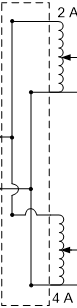

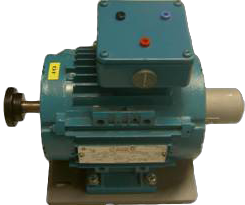
DC Motor
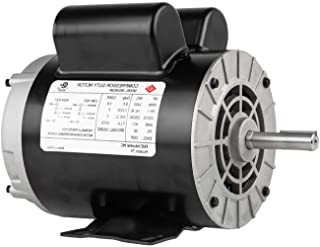


DC
Generator
[1 HP, 220V, Ia=5.1A, If=0.55A, 1500 RPM
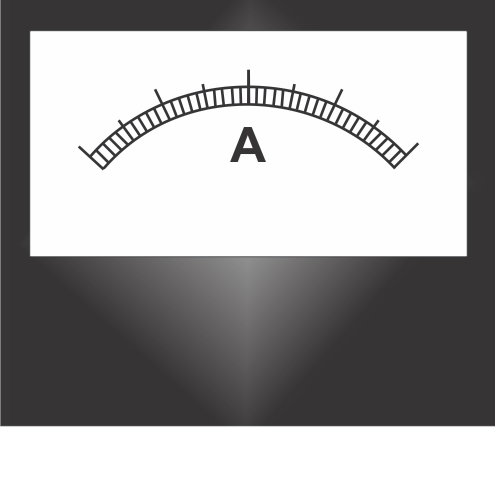
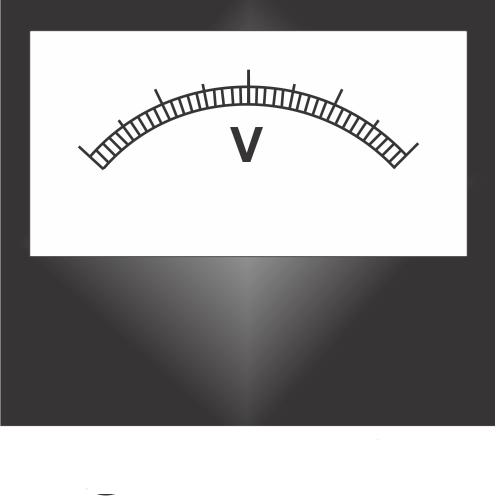
| Sl. No. | Speed (RPM) | Increasing Field Current (A) | Induced EMF (V) |
|---|
| Decreasing Field Current (A) | Induced EMF (V) |
|---|
Magnetization curve (OCC) of the DC generator
(Increasing field current)
Magnetization curve (OCC) of the DC generator
(Decreasing field current)
Instructions
Step 1: Make the proper connection by clicking the node as instructed below. If the wire is misplaced, click the node number to deattach the nodes' wire.
Step 2: Click "Check" button.
if connection is correct, an alert appers. Click ok. Now, go to step 4.
if connection is wrong, an alert appers. Click ok. Now, go to step 3.
Step 3: Check the connection, if incorrect, click on node number to remove any
particular connection(s) or click on reset button and start from step 1.
Step 4: Switch on the Power Supply
Step 5: Follow the procedure
Step 6: Click "Print" button, to print the full connections with graph and table in landscape mode.
Step 1: Make the proper connection by clicking the node as instructed below. If the wire is misplaced, click the node number to deattach the nodes' wire.
| From | 1 | 2 | 3 | 8 | 10 | 4 | 11 | 12 |
| To | 5 | 6 | 7 | 9 | 16 | 15 | 13 | 14 |
Step 4: Switch on the Power Supply
Step 5: Follow the procedure
Step 6: Click "Print" button, to print the full connections with graph and table in landscape mode.