| From | 1 | 2 | 3 | 7 | 7 | 8 | 8 | 9 | 10 | 13 | 14 | 15 | 16 | 16 | 17 | 18 | 19 | 20 | 21 | 21 | 22 | 27 | 35 | 36 |
| To | 4 | 5 | 6 | 9 | 35 | 10 | 36 | 11 | 12 | 33 | 34 | 24 | 23 | 26 | 25 | 29 | 28 | 25 | 23 | 26 | 24 | 30 | 31 | 32 |
MCB


R
E
C
T
I
F
I
E
R
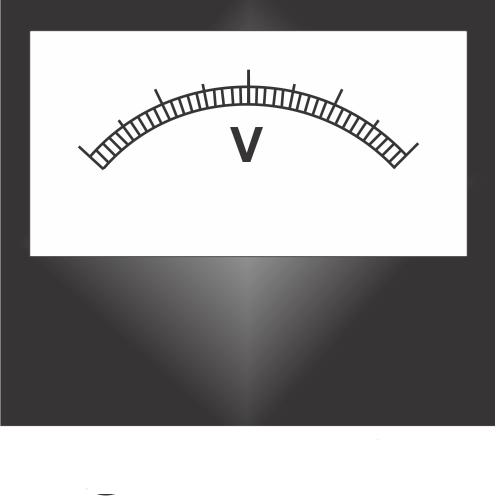
Voltmeter
Move the slider
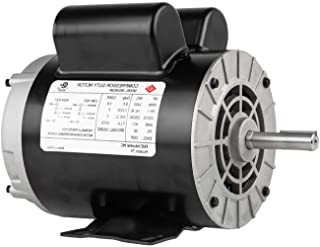
DC Motor
3 Phase Alternator
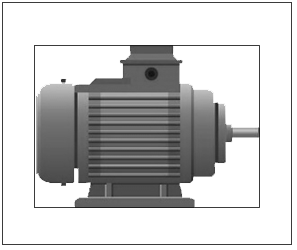
3 Phase Induction Motor


Rotor View
Field Regulator
( DC Motor )
Move the slider ➤
Field Regulator
( Alternator )
Move the slider ➤
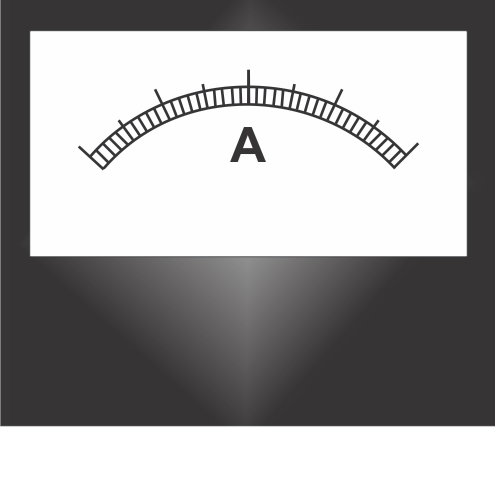
Ammeter
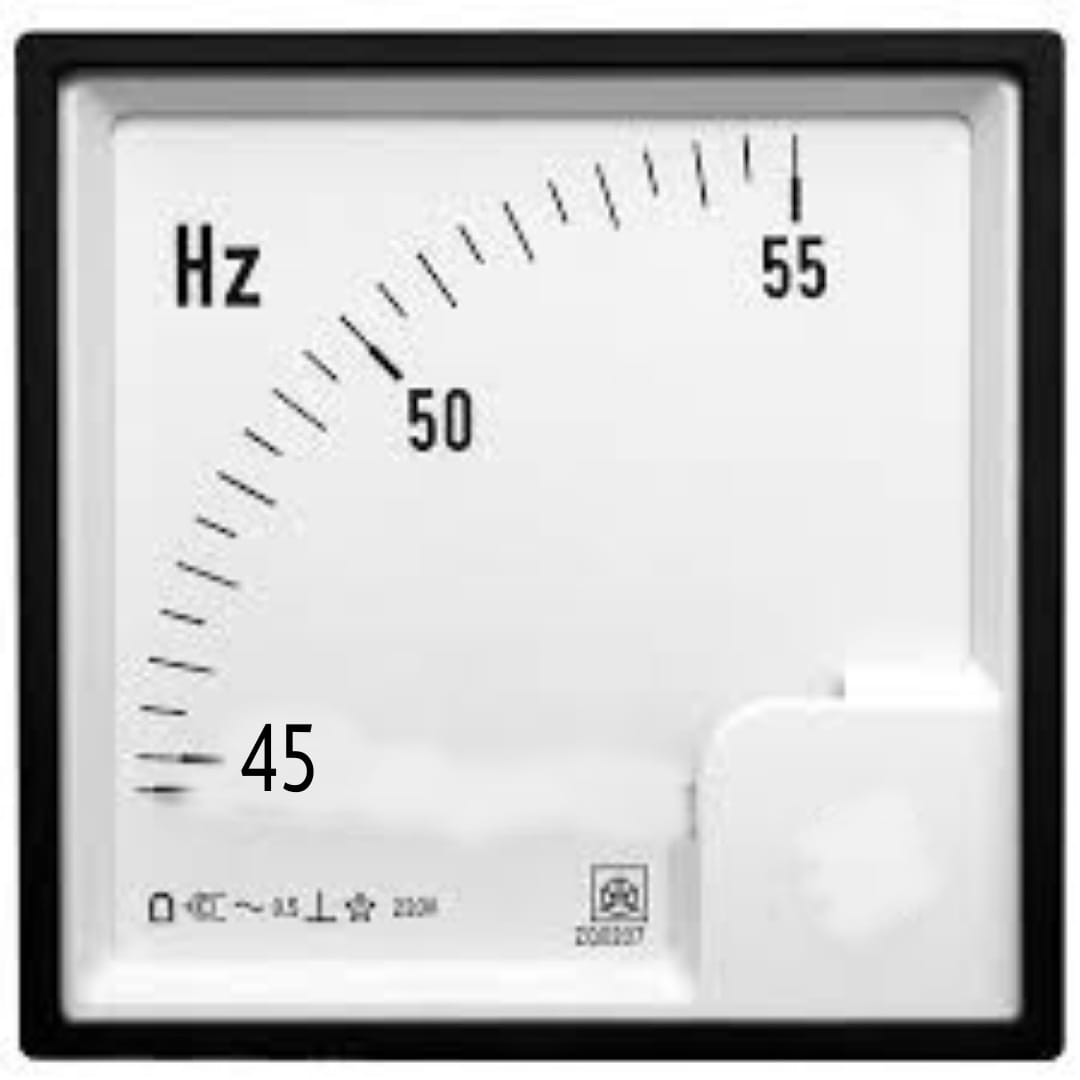
Frequency Meter
Voltmeter
| SN | Alternator field current |
Alternator output voltage |
Alternator Speed (RPM) |
observed frequency |
Induction motor speed (RPM) |
|---|
Frequency vs Ind. motor Speed Graph
Instructions
Step 1: Make the proper connection by clicking the node as instructed below. If the wire is misplaced, click the node number to deattach the nodes' wire.
Step 2: Click "Check" button.
if connection is correct, an alert appers. Click ok. Now, go to step 4.
if connection is wrong, an alert appers. Click ok. Now, go to step 3.
Step 3: Check the connection, if incorrect, click on node number to remove any particular
connection(s) or click on reset button and start from step 1.
Step 4: Switch on the MCB.
Step 5: Follow instruction manual and also follow alerts
Step 1: Make the proper connection by clicking the node as instructed below. If the wire is misplaced, click the node number to deattach the nodes' wire.
| From | 1 | 2 | 3 | 7 | 7 | 8 | 8 | 9 | 10 | 13 | 14 | 15 | 16 | 16 | 17 | 18 | 19 | 20 | 21 | 21 | 22 | 27 | 35 | 36 |
| To | 4 | 5 | 6 | 9 | 35 | 10 | 36 | 11 | 12 | 33 | 34 | 24 | 23 | 26 | 25 | 29 | 28 | 25 | 23 | 26 | 24 | 30 | 31 | 32 |
Step 4: Switch on the MCB.
Step 5: Follow instruction manual and also follow alerts